








Casombie does not have a separate native app to download from the App Store or Google Play - instead, the casino runs fully in the mobile browser, and that mobile version carries the complete game library, the Canadian-dollar cashier, every bonus and the full sportsbook. For an app-like feel, Canadian players can add casombie.com to their phone's home screen in a few taps and open it with a single icon, with no updates to install and nothing taking up storage.
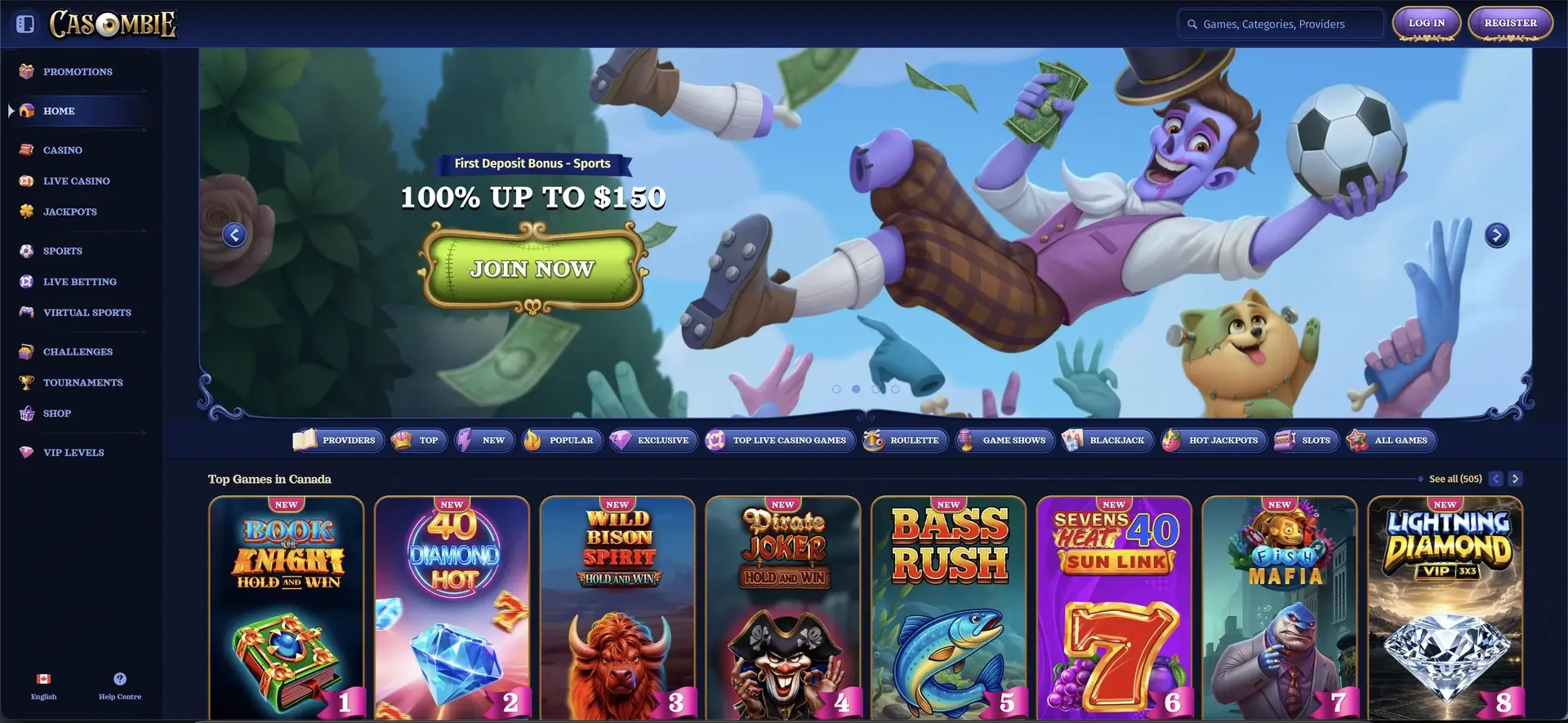
This guide explains how mobile access works: why there is no download, how to reach the site on iOS and Android, how to create a home-screen shortcut, what the mobile version includes, and how deposits, withdrawals and security work on a phone. The table below sums it up.
Table of contents
| Mobile access | Details |
|---|---|
| Download required | No - runs entirely in the browser |
| iOS access | Safari, Chrome or Firefox - full support |
| Android access | Chrome, Firefox or any modern browser |
| Home-screen shortcut | Available on both iOS and Android |
| Game library | Full catalogue - identical to desktop |
| CAD cashier | Deposits and withdrawals available on mobile |
| Sportsbook | Pre-match, live betting and virtual sports |
| Live casino | Fully streamed on mobile browsers |
| Security | SSL encryption - same as desktop |
| Updates | Automatic - nothing to install |
Is there a Casombie casino app for Android or iOS?
No - there is no dedicated Casombie app in the App Store or Google Play, and that is a deliberate design choice rather than a gap. The browser version is built to work on phones and tablets, so it already delivers everything an app would, without the download, permissions or manual updates. In practice, Canadian players lose nothing by using the site directly, and they gain instant access to new games the moment they go live.
How to access Casombie on mobile
Reaching the casino on a phone takes only a browser and the web address. The same steps work on any modern iOS or Android device.
- Open Safari, Chrome or your preferred browser on your phone or tablet.
- Type casombie.com into the address bar and load the site.
- Tap LOG IN to sign in, or REGISTER to create an account.
- Browse the lobby, cashier and sportsbook exactly as you would on desktop.
How to add Casombie to your home screen
A home-screen shortcut gives the casino an icon just like a downloaded app, and it opens the site full-screen in one tap. The process differs slightly between iOS and Android.
iOS (Safari)
On an iPhone or iPad using Safari:
- Open casombie.com in Safari.
- Tap the Share icon at the bottom of the screen (the square with an upward arrow).
- Scroll the share sheet and tap Add to Home Screen.
- Confirm the name and tap Add - the Casombie icon appears on your home screen.
Android (Chrome)
On an Android phone or tablet using Chrome:
- Open casombie.com in Chrome.
- Tap the three-dot menu in the top-right corner.
- Select Add to Home screen.
- Confirm the name and tap Add - the shortcut is placed on your home screen.
Features available on mobile
The mobile version is the full platform, not a cut-down edition, so nothing important is missing on a phone. Everything an account holder uses on desktop is available.
- Games: the complete slots, jackpot, table and live-dealer library.
- Sports: pre-match betting, live betting and virtual sports.
- Cashier: CAD deposits and withdrawals across all methods.
- Bonuses: every promotion, the Challenges section and the coin Shop.
- Account: registration, login, verification and VIP progress.
Performance on mobile
Because the site is browser-based, performance depends mostly on the phone and the connection rather than on a downloaded app. On a modern device over a standard Canadian mobile or broadband connection, the experience is smooth across the board.
- Lobby: game tiles load quickly and scroll cleanly.
- Slots: titles from major studios open and run without stutter.
- Live casino: HD dealer streams hold up over a stable connection.
- Cashier: the CAD deposit and withdrawal screens load without delay.
Mobile payments in Canadian dollars
The full cashier is available on mobile, so Canadian players can fund and cash out from their phones without switching to a computer. Deposits are instant and start at $33 for most methods, and the same range of options appears as on desktop. The table shows a selection.
| Method | Deposit | Withdrawal |
|---|---|---|
| Interac | $33 – $10,000 | $10 – $3,000 (e-Transfer) |
| Card (Visa) | $33 – $4,000 | $20 – $4,300 |
| MiFinity | $33 – $3,750 | $15 – $3,750 |
| Bitcoin | $45 – $10,000 | $90 – $10,000 |
| USDT / other crypto | $33 – $8,000 | $35 – $8,000 |
Security on the mobile version
Mobile access carries the same protection as desktop, since it is the same site rather than a separate app. All data runs over an SSL-encrypted connection, and account safety comes down to the same habits.
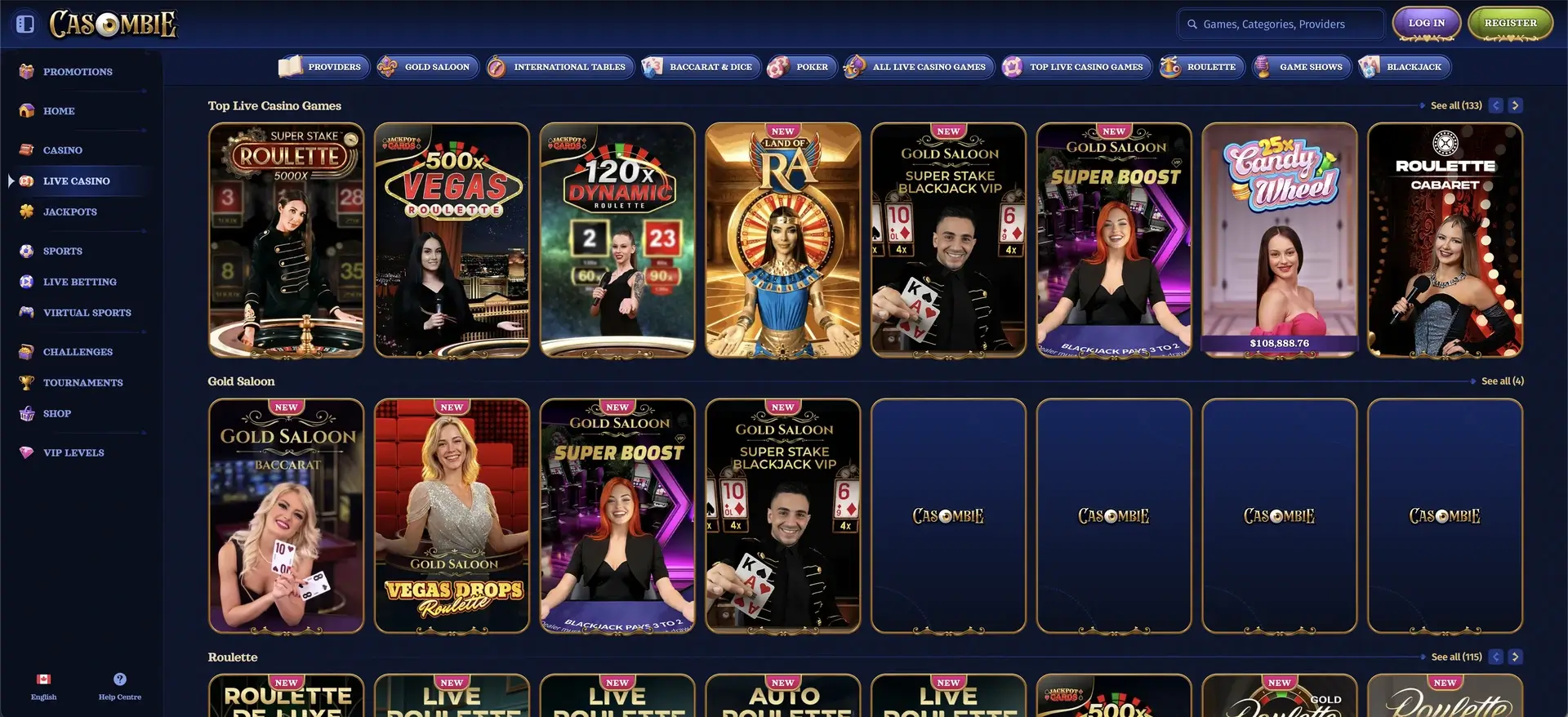
Our live casino brings roulette, blackjack, baccarat and game shows together in one lobby, with tables available on desktop and mobile.
- Only ever open casombie.com directly - do not follow login links from messages.
- Use your browser's password manager to fill credentials securely.
- Log out on shared devices and lock your phone with a passcode.
Tips for Canadian players on mobile
A few small adjustments make the mobile version easier to use day to day.
- Add the home-screen shortcut for one-tap access instead of typing the address each time.
- Play live-dealer tables and Megaways slots in landscape for a wider view.
- Use Interac for the quickest CAD deposits and crypto for the fastest cash-outs.
- Keep your browser updated so streams and games run at their best.
Casombie casino app FAQ
Common questions about mobile access.
Is there a Casombie casino app to download?
No. Casombie has no native app in the App Store or Google Play. The casino runs in the mobile browser and includes all games, the CAD cashier, bonuses and the sportsbook.
How do I get Casombie on my home screen?
On iOS, open casombie.com in Safari, tap Share, then "Add to Home Screen". On Android, open it in Chrome, tap the three-dot menu, then "Add to Home screen". An icon is created that opens the site in one tap.
Can I deposit and withdraw on mobile?
Yes. The full CAD cashier is available on mobile, with Interac, cards, e-wallets and crypto - the same methods and limits as desktop.
Does the mobile version have live casino?
Yes. Live-dealer tables stream in HD directly in the mobile browser, including roulette, blackjack, baccarat and game shows.
Is playing on mobile safe?
Yes. The mobile site uses the same SSL encryption as desktop. Keep your browser updated, log in only at casombie.com, and log out on shared devices.
Which devices work with Casombie?
Casombie works on iOS and Android phones and tablets, as well as Windows and Mac computers, through any modern browser.